Account
Delete your Flare account
App: Flare · Developer: [COMPANY LEGAL NAME]
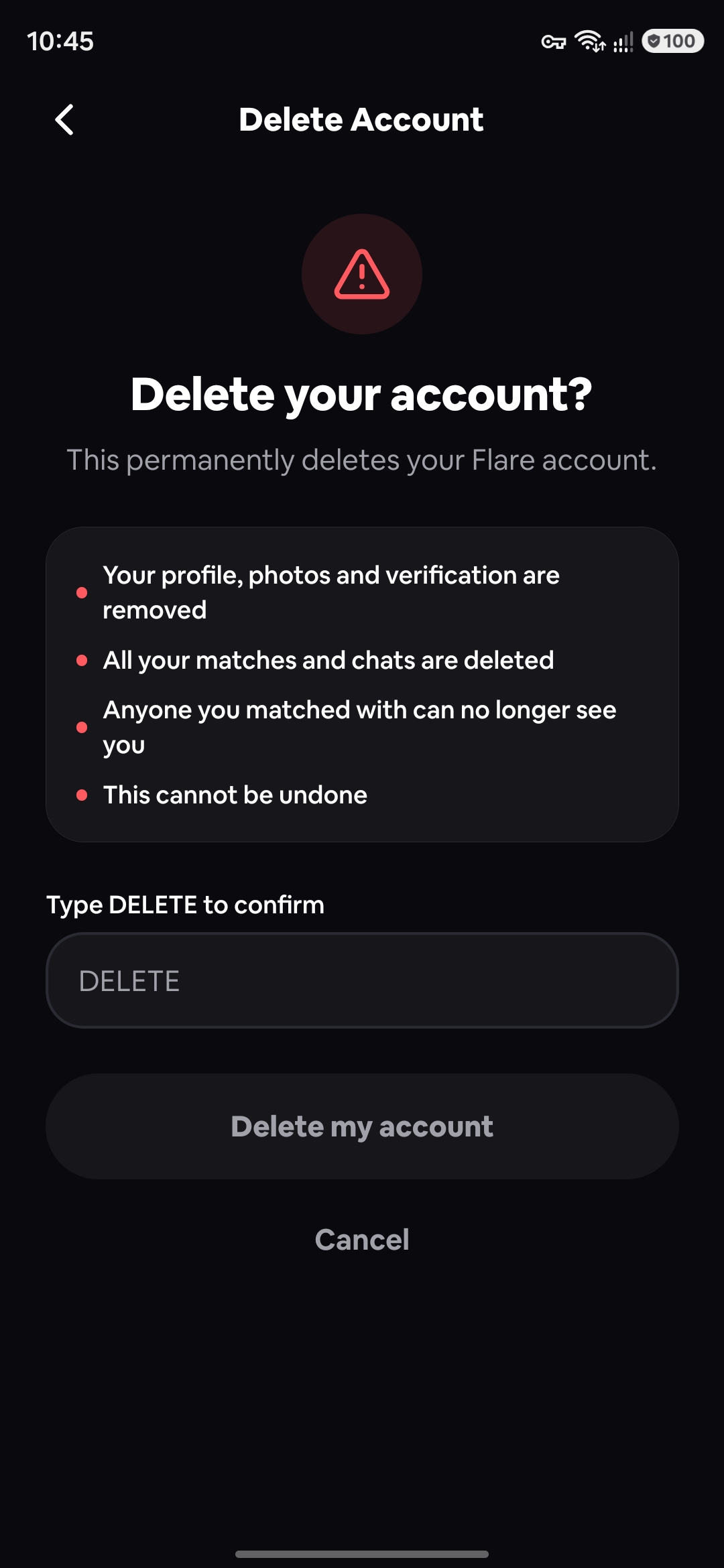
You can delete your Flare account and its data at any time. It's permanent: your profile, photos, matches and messages can't be recovered afterwards.
On this page
1.Option 1 — In the app
- 1.Open the Flare app
- 2.Go to the Profile tab
- 3.Tap "Delete Account"
- 4.Type DELETE to confirm
- 5.Tap "Delete my account"

2.Option 2 — Can't access the app?
Email us from any address and include the phone number registered on your Flare account, so we can find it. We may contact you to confirm the request is really from you.
Opens your email app, addressed to support@[YOUR-DOMAIN] with the subject "Account deletion request".
3.What gets deleted
- Your profile
- Your photos
- Your matches
- Your messages
- Your check-ins
- Your swipes (likes and passes)
- Your selfie liveness data
Deletion completes within [30] days of your request.
4.What we may keep, and for how long
We may keep reports of serious safety violations, and records we are required by law to keep, for [PERIOD]. These are kept only for safety and legal purposes.
See our Privacy Policy for details, or contact privacy@[YOUR-DOMAIN].